Work / NorthDeck Group / Independent client
NorthDeck Group
A motion-led site for a connected security and back-office services company.
NorthDeckGroup designs and installs connected CCTV, access and intrusion systems, and separately runs a back-office services practice. The site had to carry both without either one reading like filler.
- The business
- Connected security systems, plus a 12-service back-office practice
- Built with
- Next.js 16, Tailwind CSS and Motion. No database, CMS or API keys.
- Results
- No performance figures published
Two businesses. One site.
Security systems up front.
Back-office services alongside.
The security systems a property manager comes for, the business services that sit beside them, and how a project runs from enquiry to handover.
01 / Security systems
What a property manager sees first.
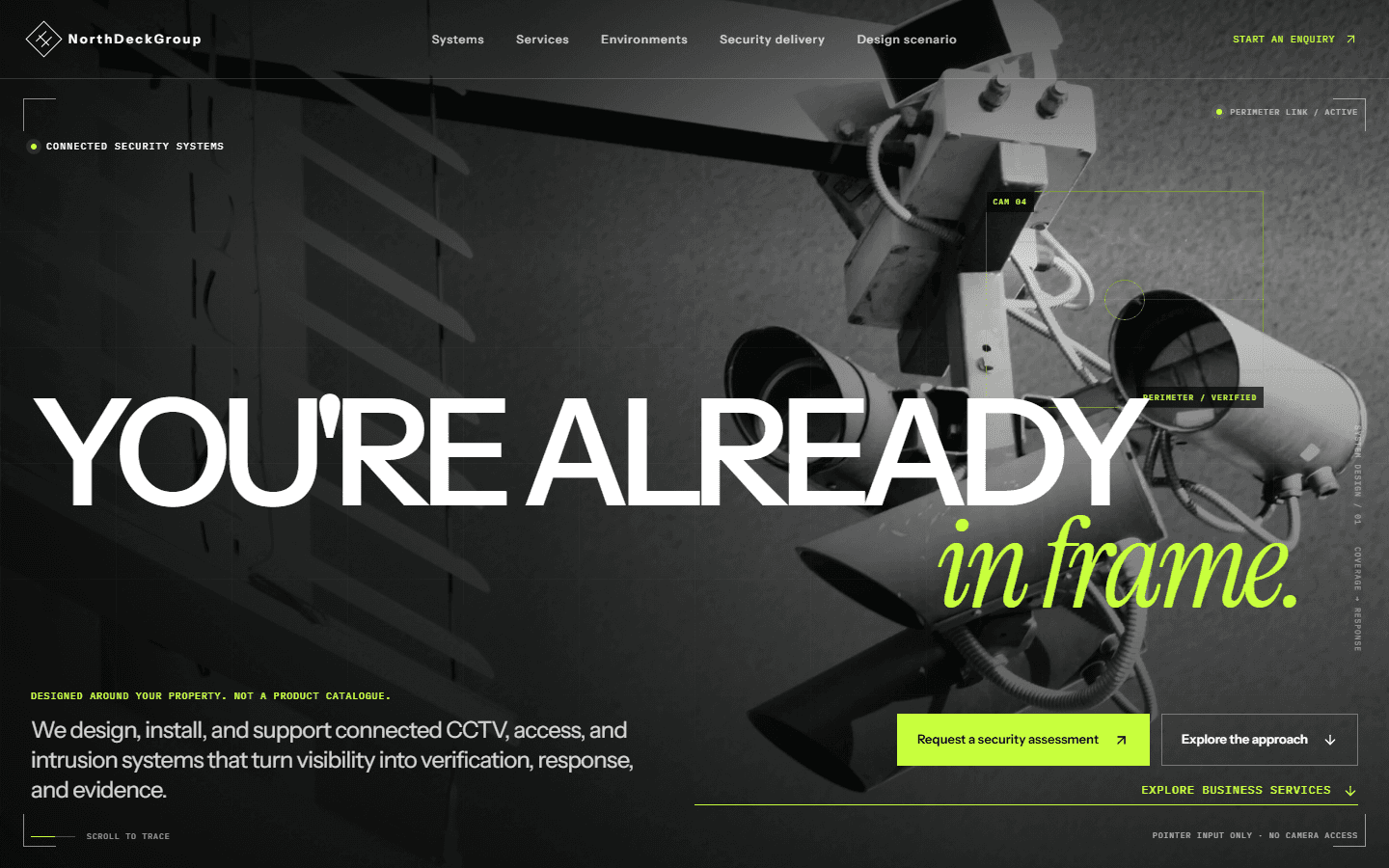
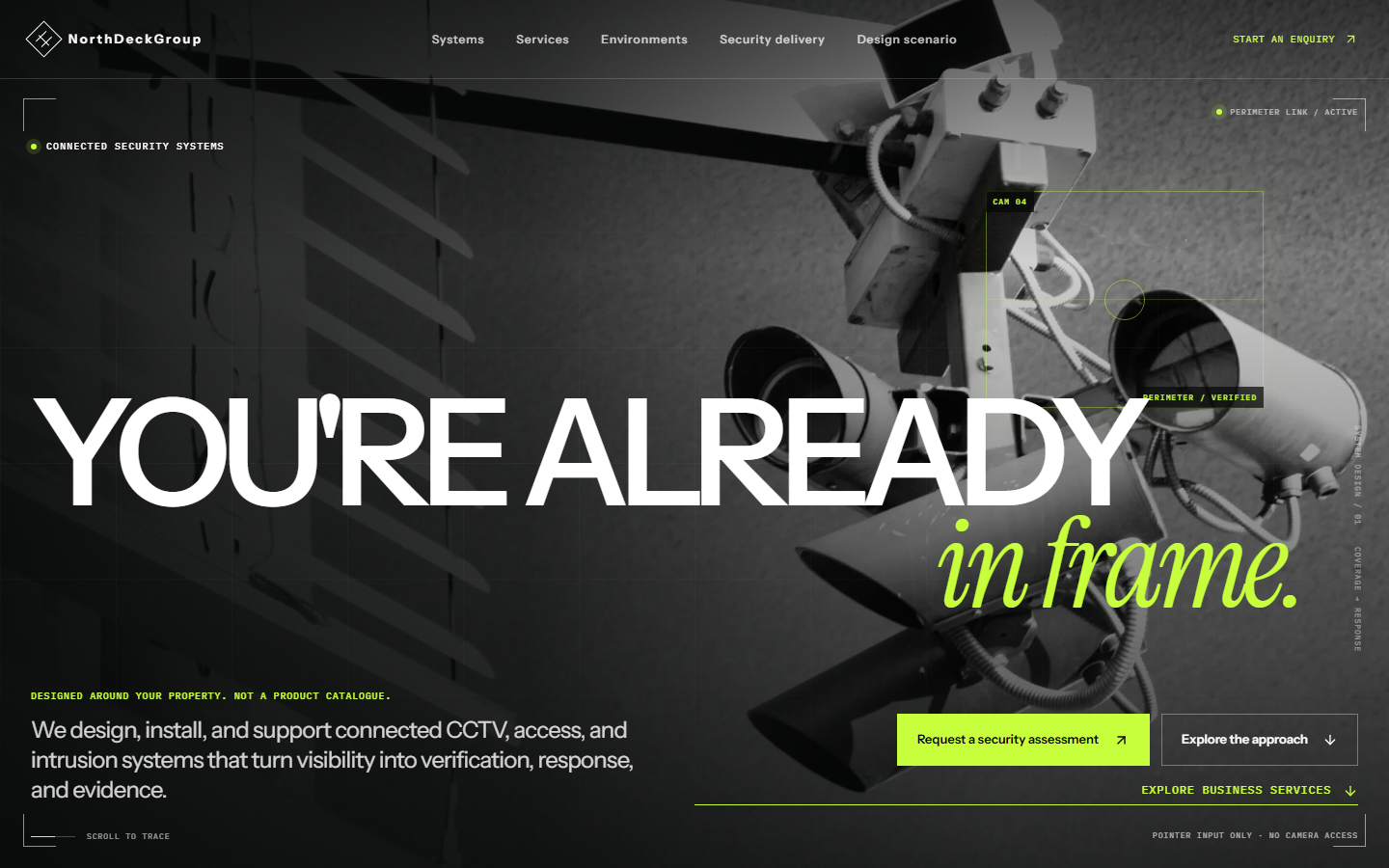
The homepage leads with security: connected CCTV, access and intrusion systems, designed around the property and not sold from a catalogue.
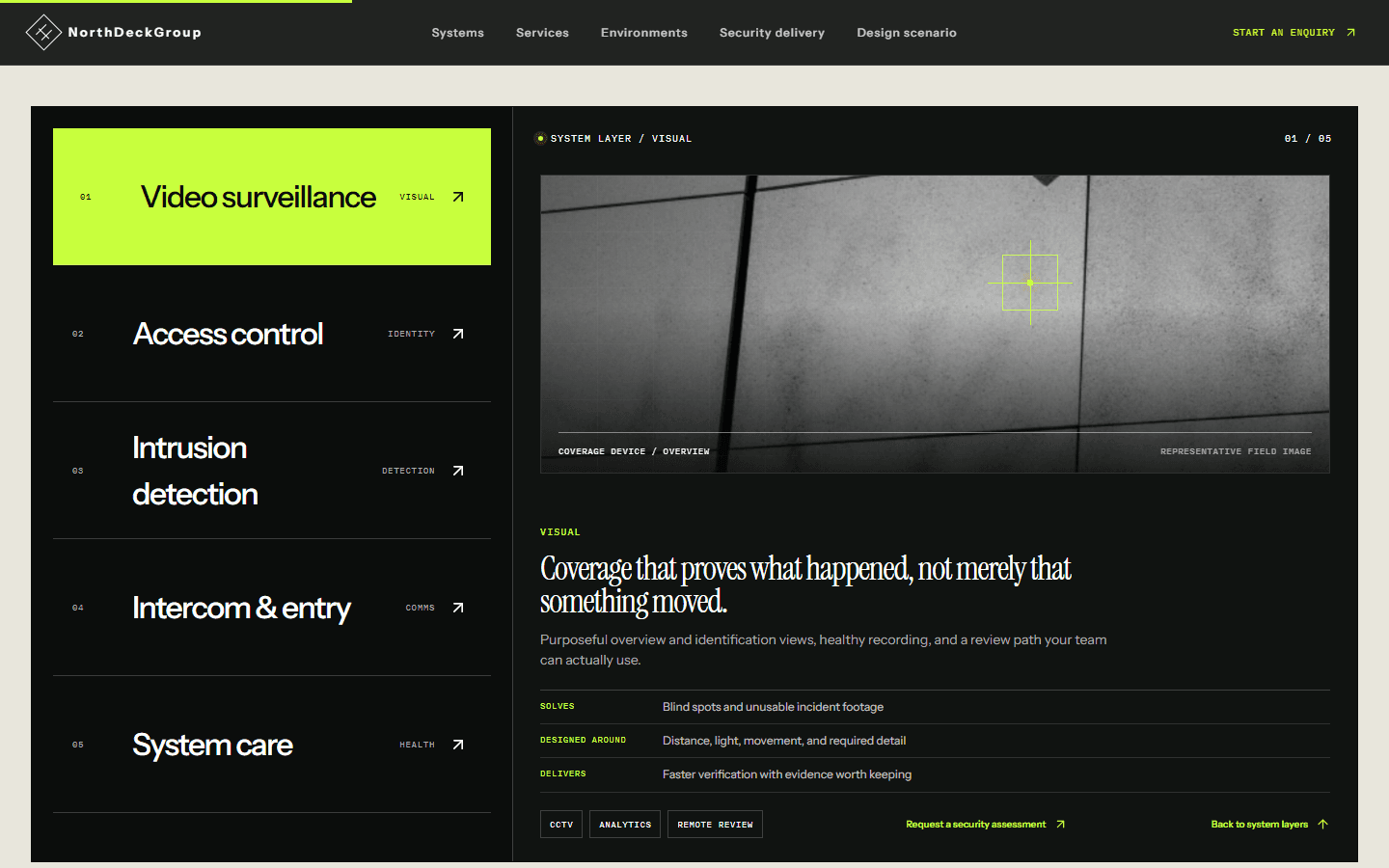
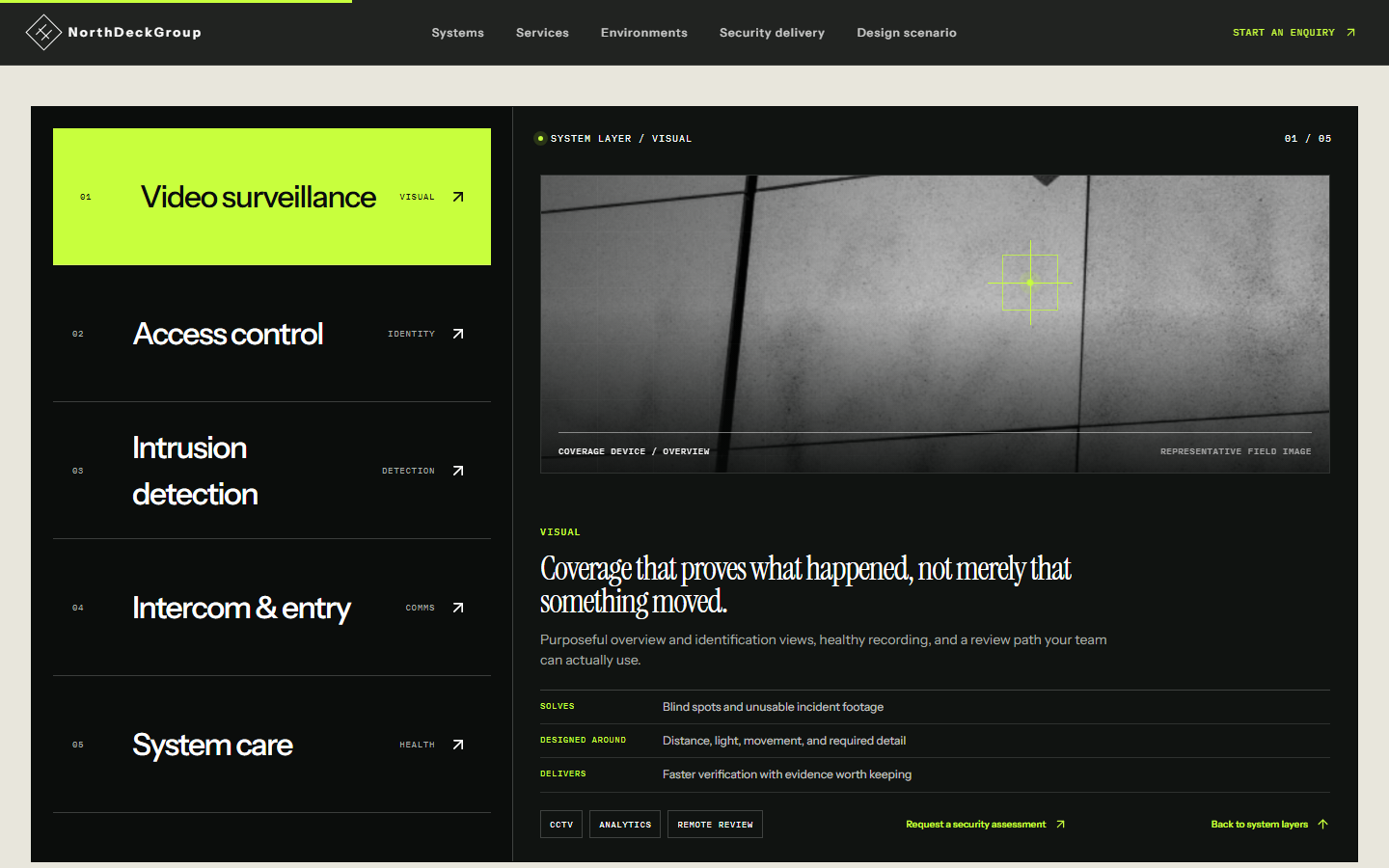
A tabbed index covers five layers: video surveillance, access control, intrusion detection, intercom and entry, and system care. Each tab says what that layer solves, what it's designed around and what it delivers.
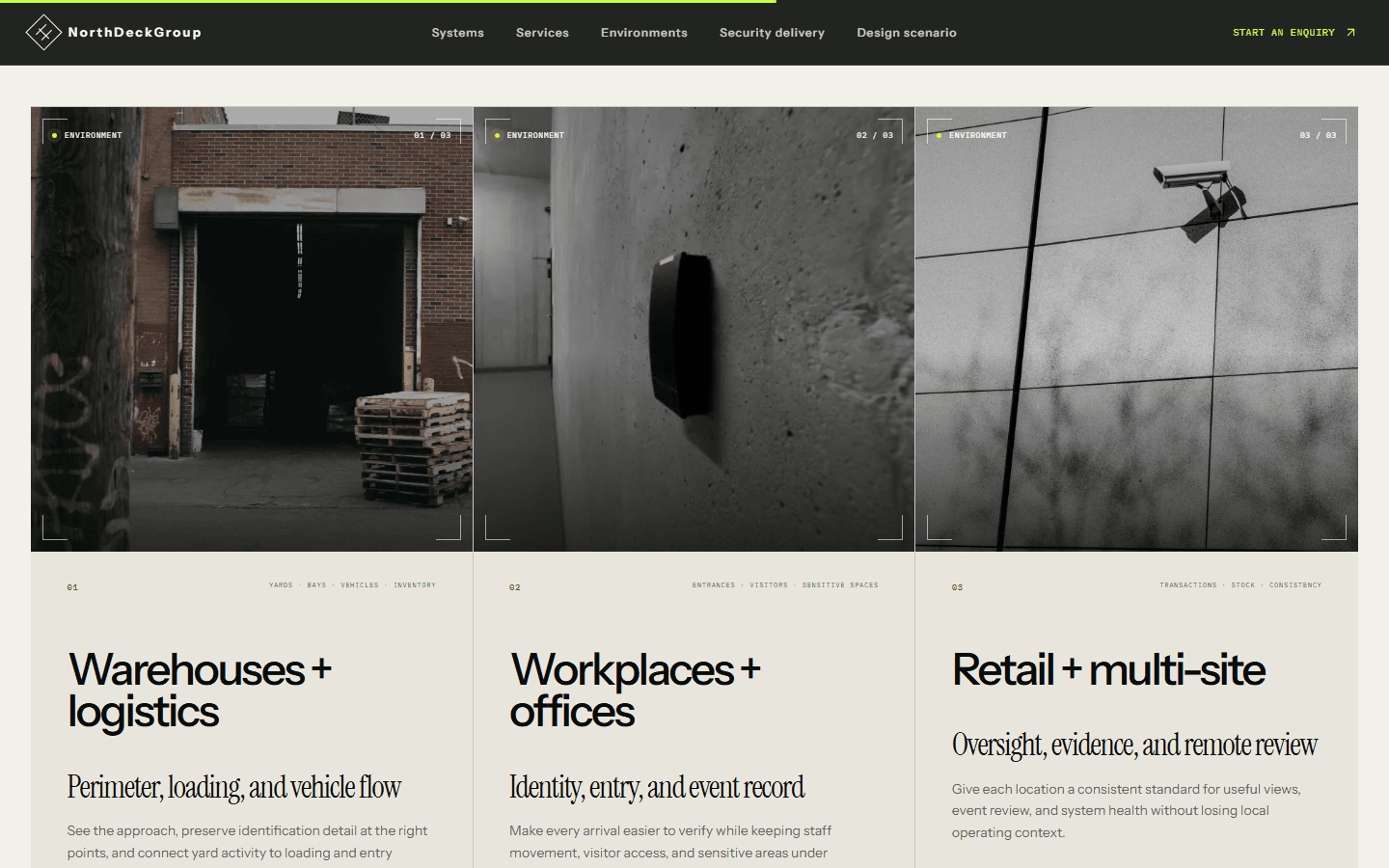
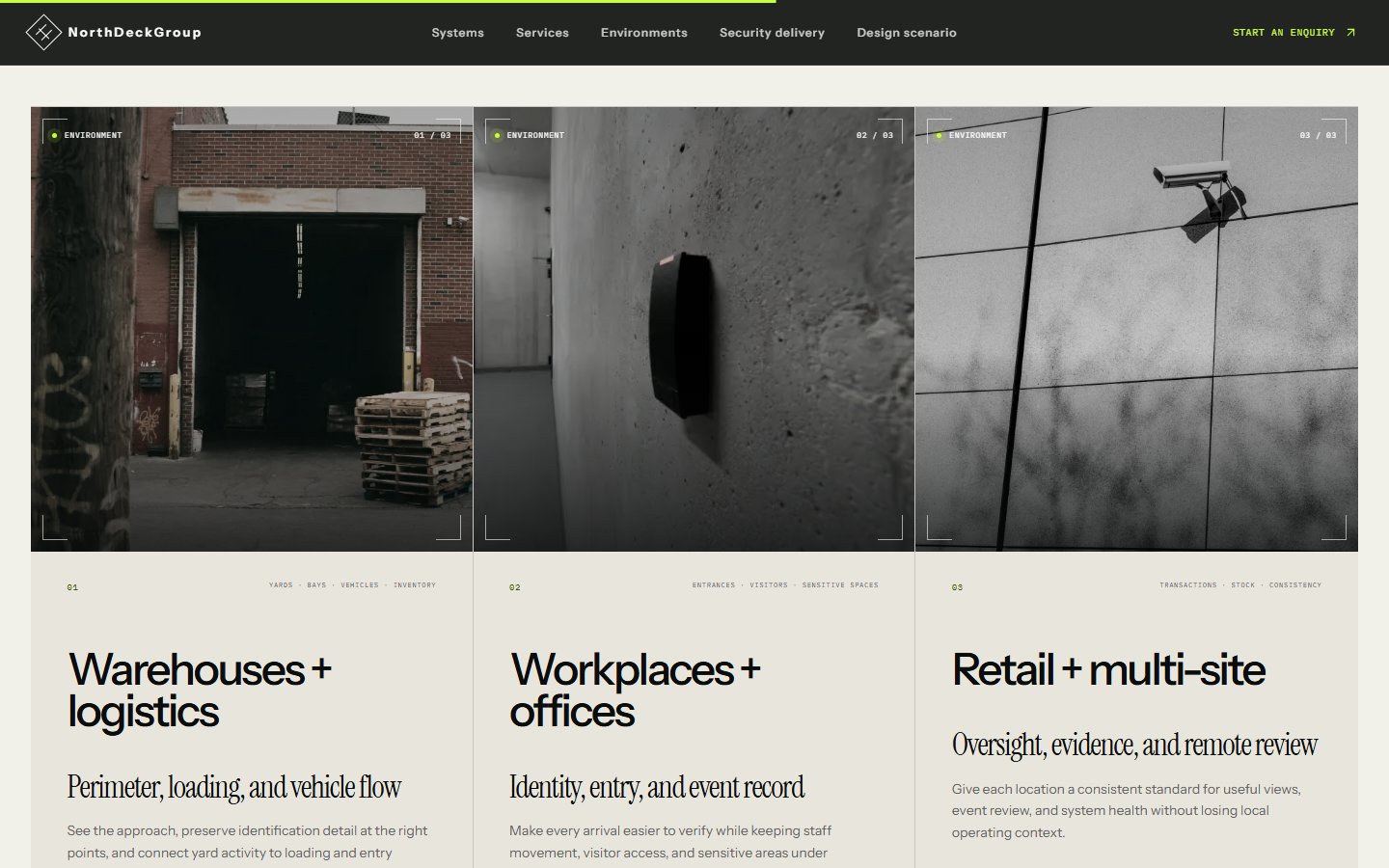
Three environment cards (warehouses and logistics, workplaces and offices, retail and multi-site) show how the design changes with the kind of property.
Homepage
The first screen states the offer in one line: design, installation and support for connected security systems.
Five system layers
Pick a layer and the panel shows what it solves, what it's designed around and what it delivers.
By property type
Warehouses, workplaces and retail each get their own priorities instead of one generic pitch.
02 / Business services
The second business, on the same site.
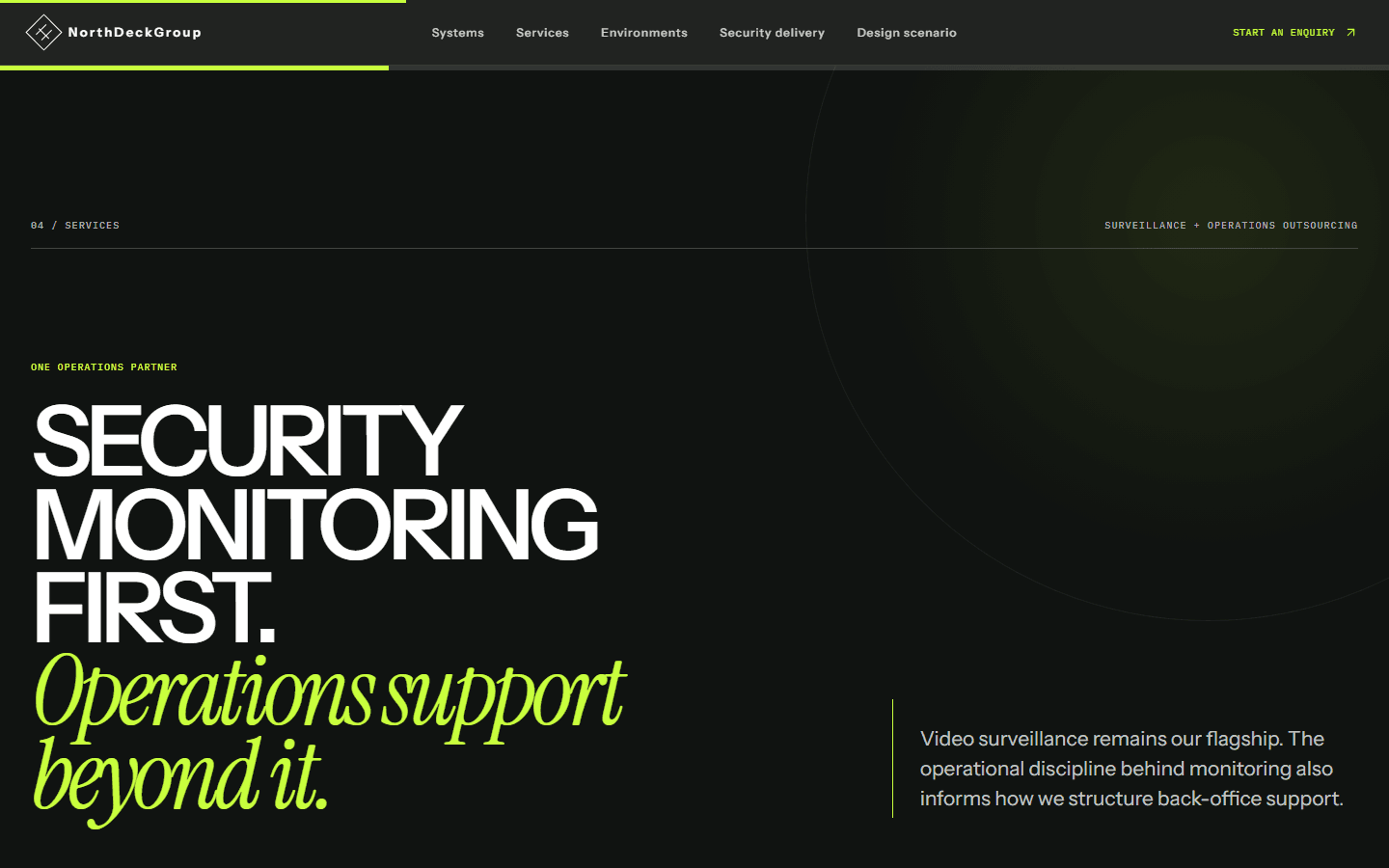
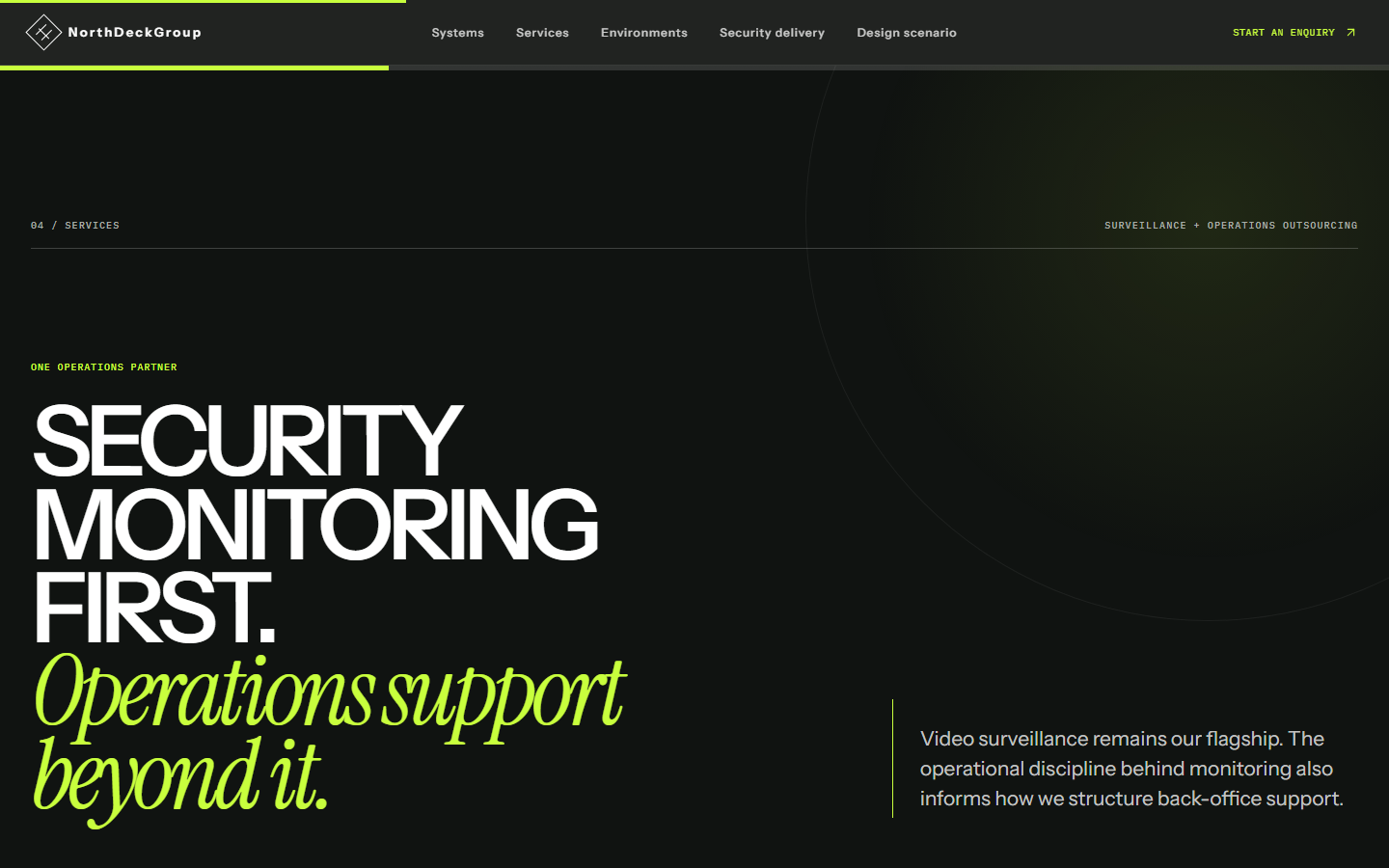
NorthDeckGroup also runs a back-office and BPO practice. Its section opens with its own positioning, security monitoring first and operations support beyond it, so it doesn't read as an add-on.
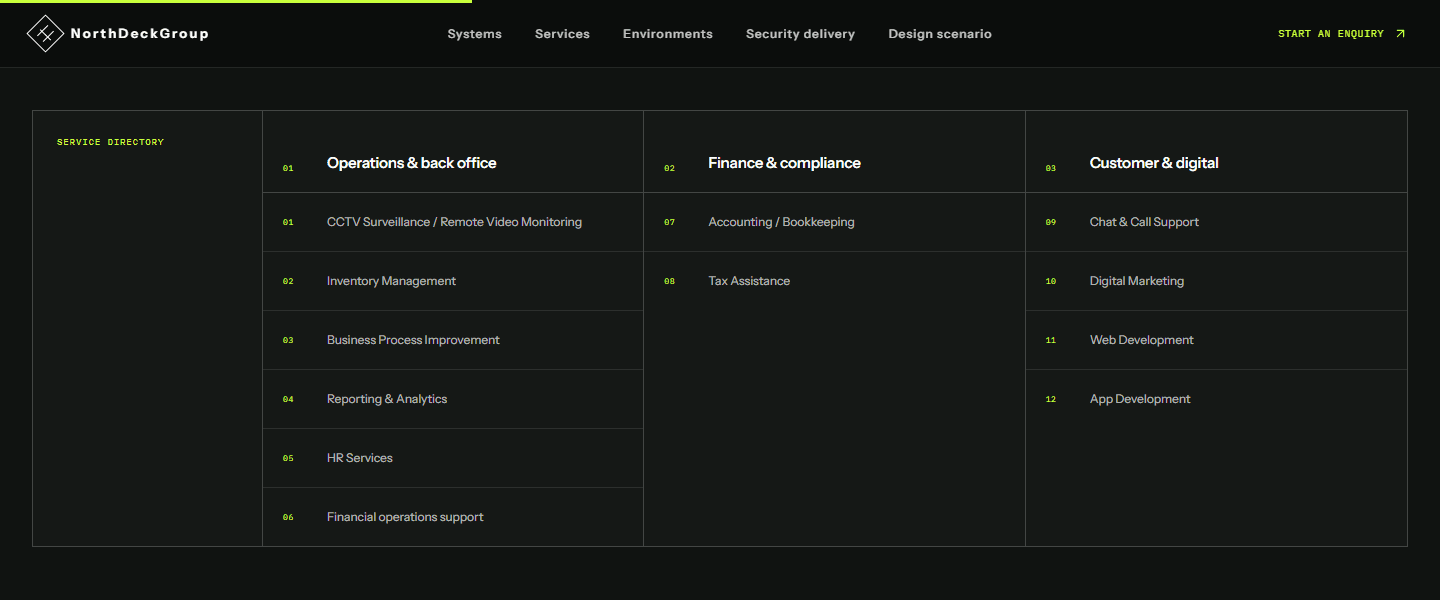
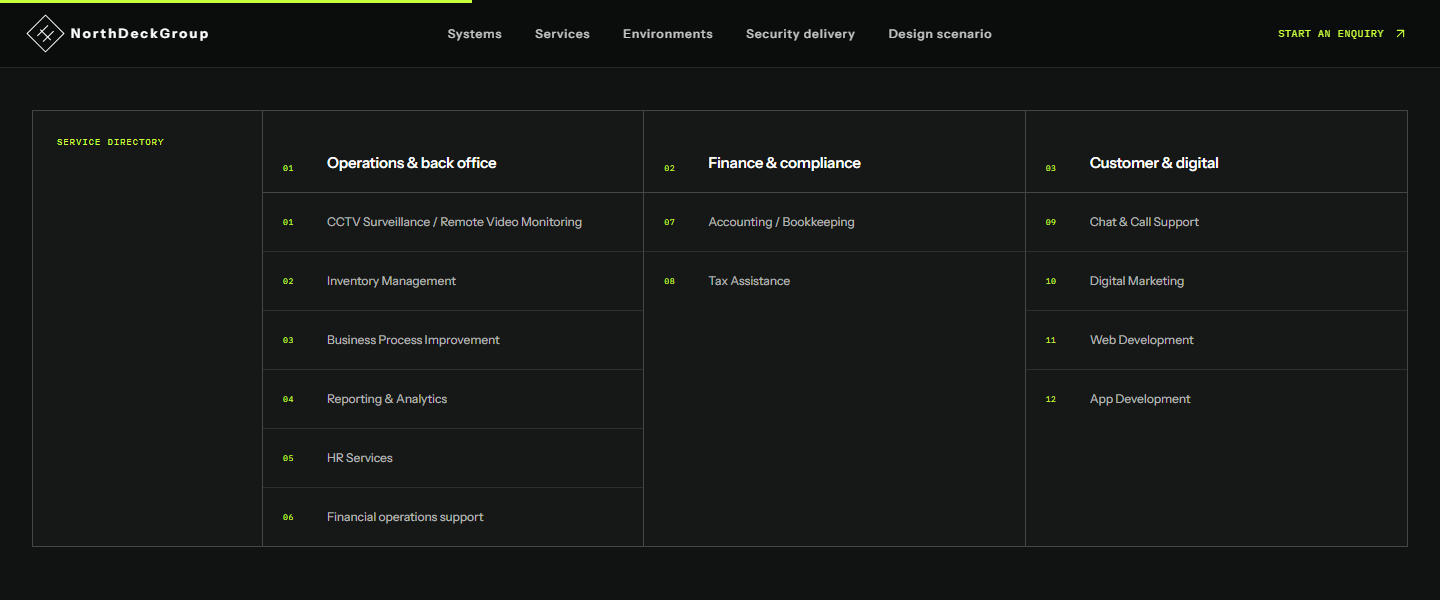
A directory lists all 12 services in three groups: operations and back office, finance and compliance, and customer and digital. Each service then gets its own card with what's included.
Remote video monitoring appears in both halves of the site: as a security system, and as the first service in the back-office directory.
Services intro
Surveillance stays the flagship, and the back-office work is introduced as its own offer.
All 12 services
Every service on one screen, grouped the way a buyer would look for them.
03 / How they work
From first enquiry to handover.
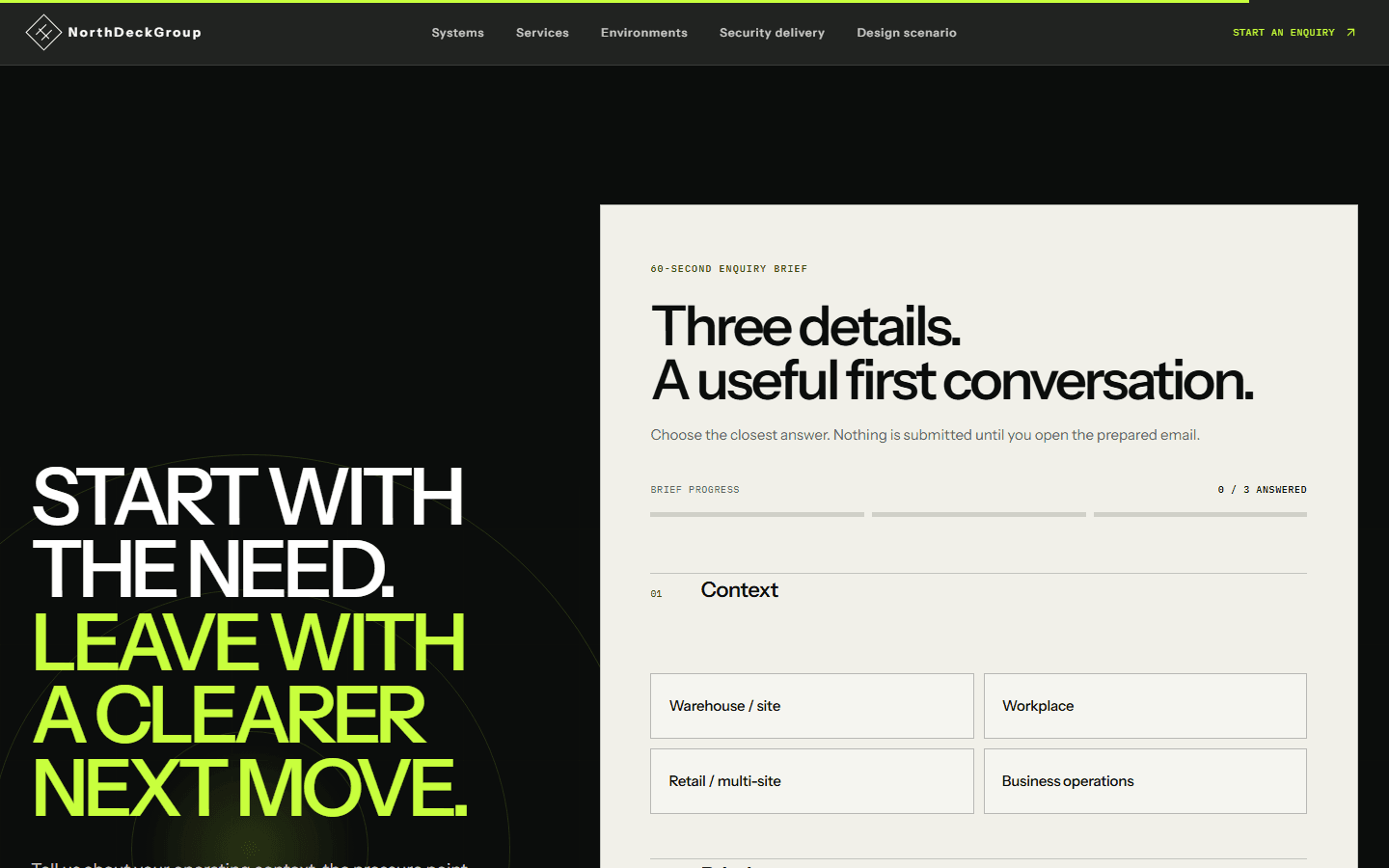
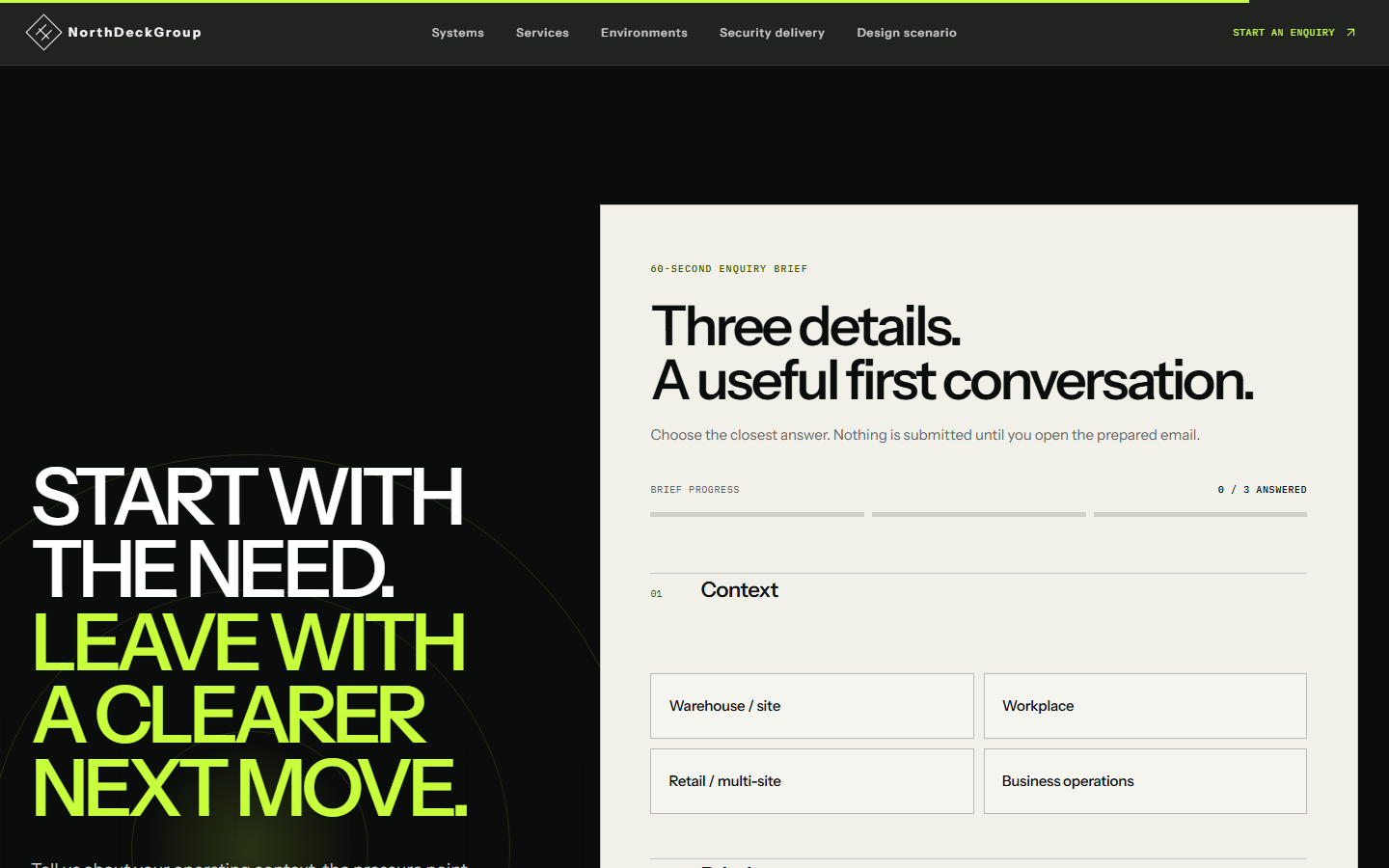
A 60-second enquiry brief asks three questions, starting with what kind of site or business it is. Nothing is sent until the visitor opens the email it prepares.
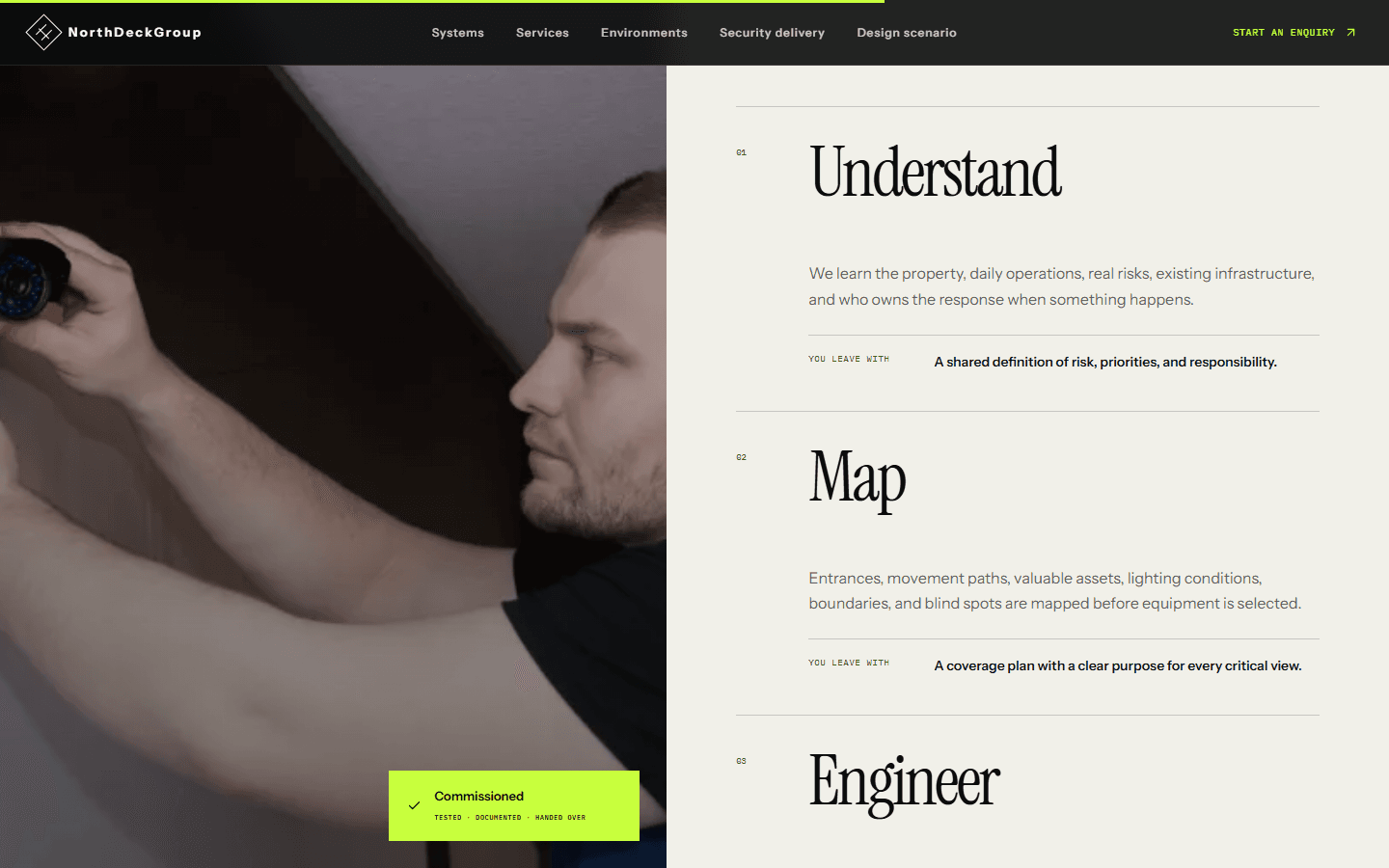
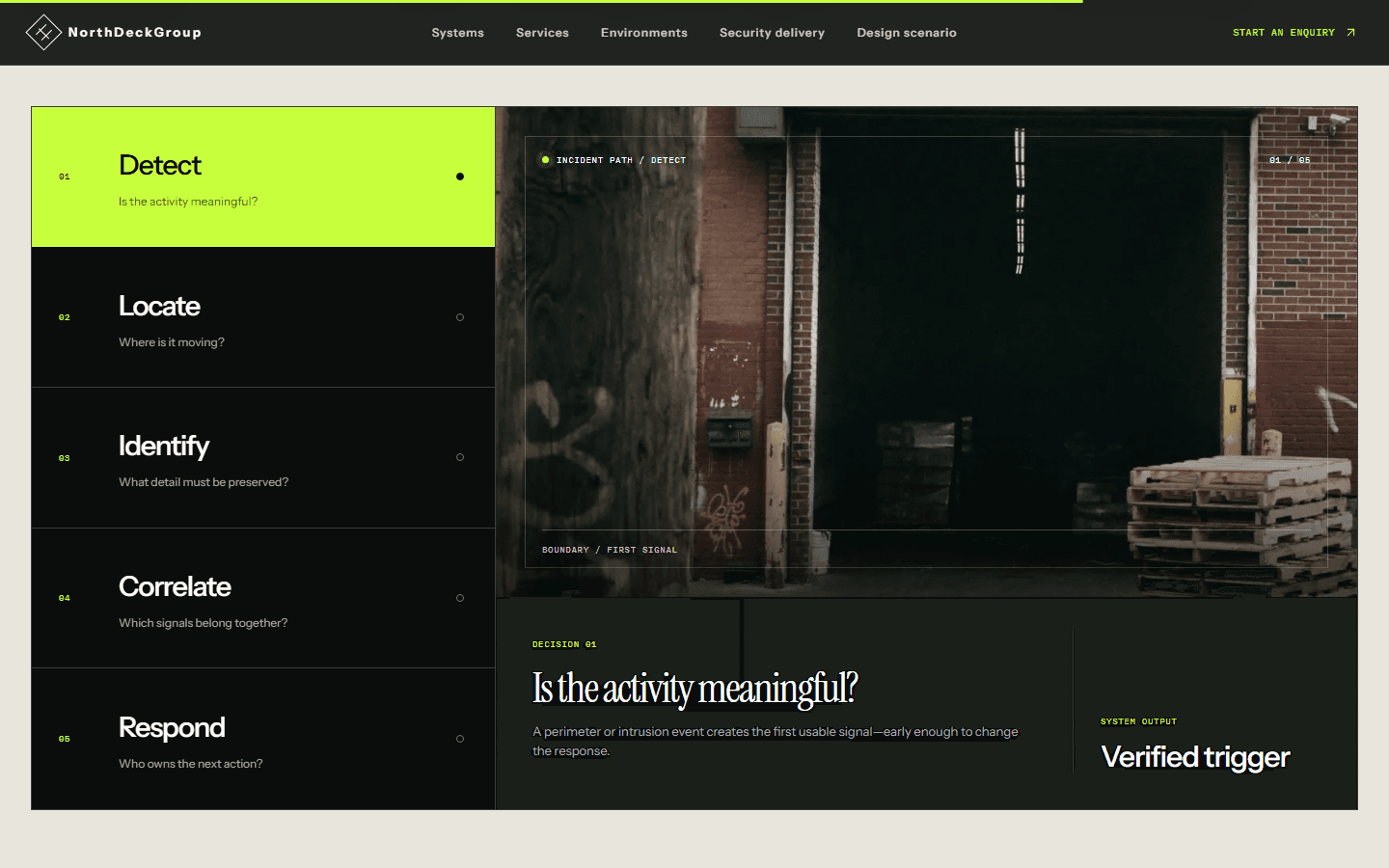
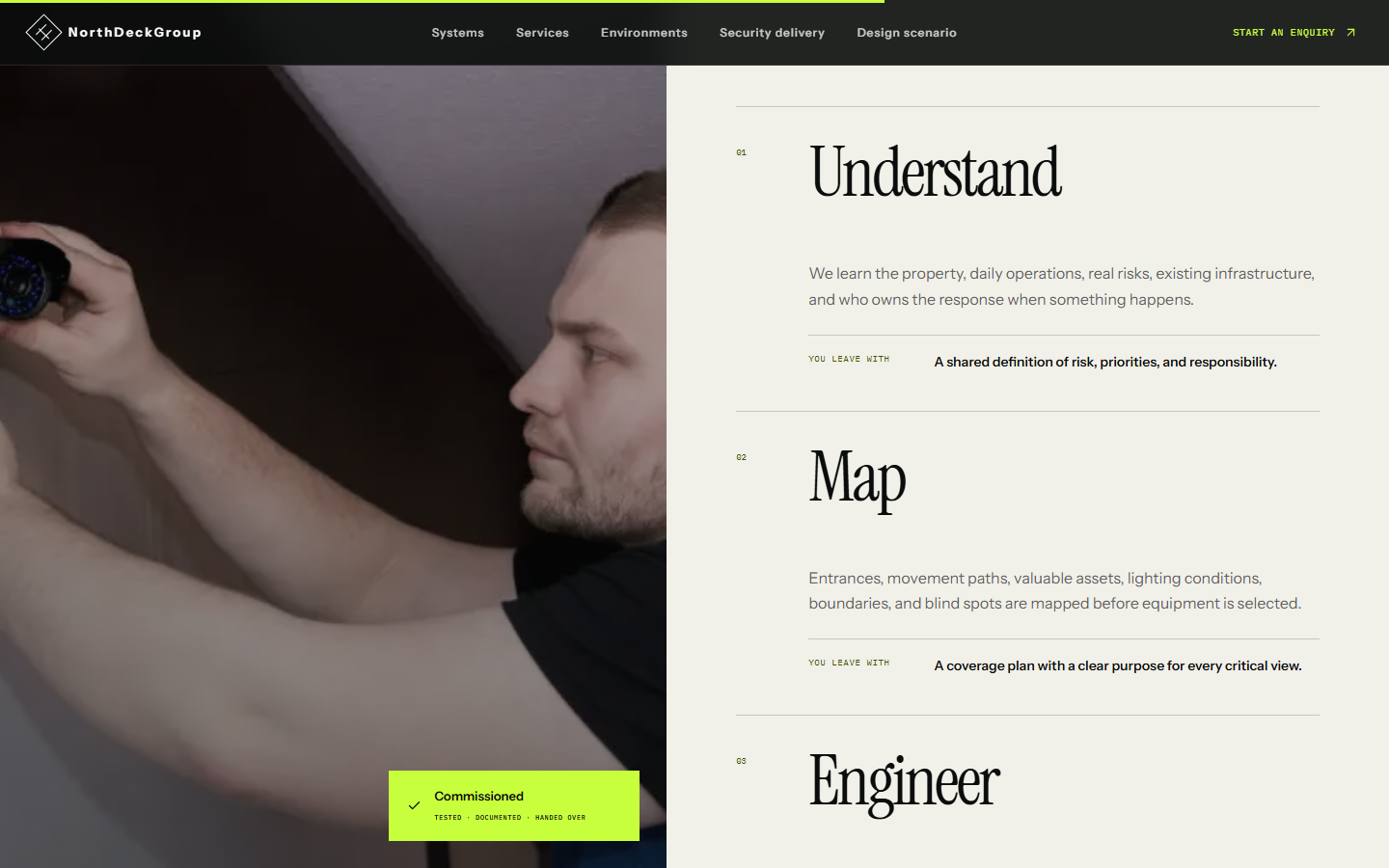
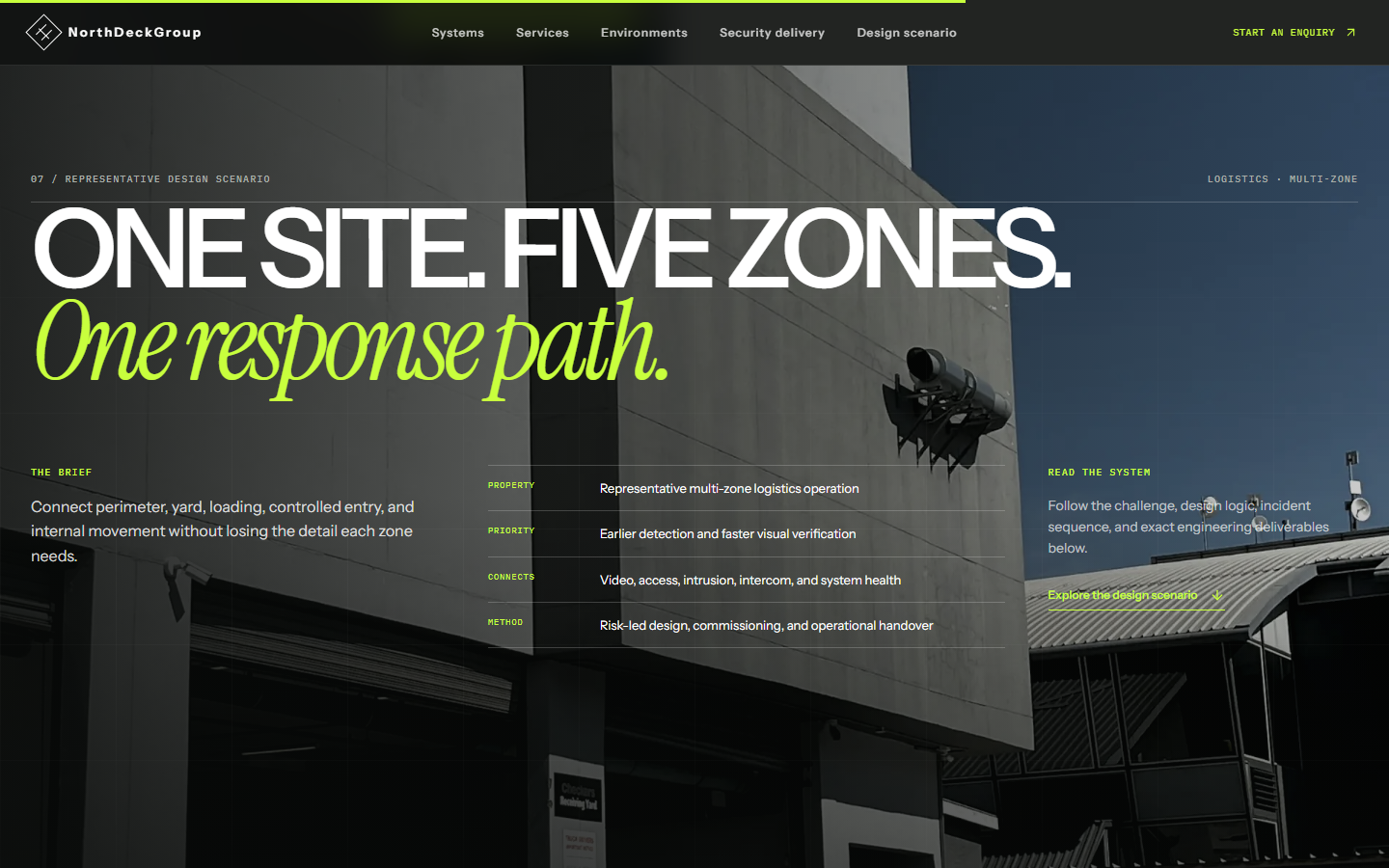
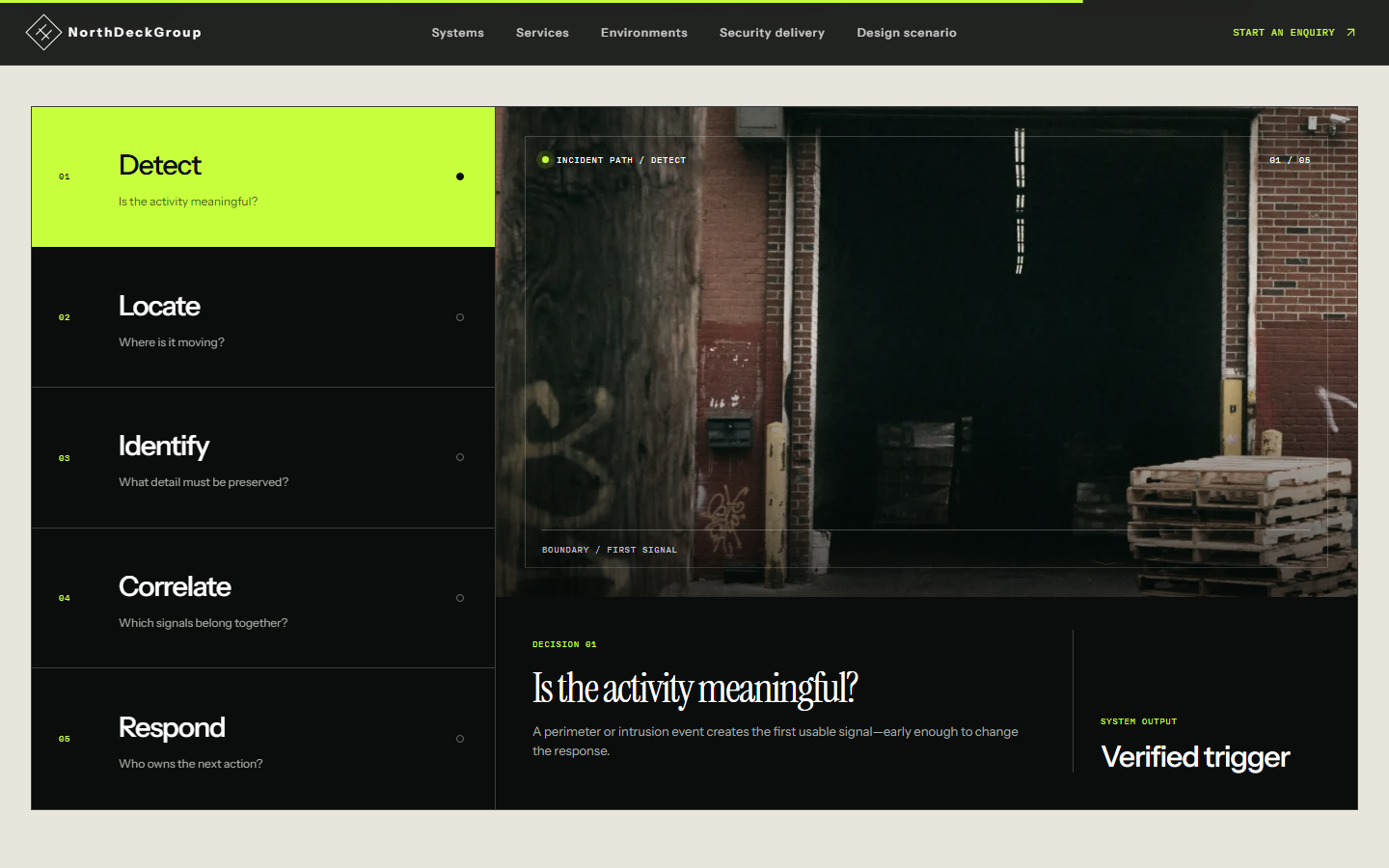
The delivery section sets out four steps (understand, map, engineer, commission), each with what the client leaves with. A worked design scenario for a logistics site then follows one incident through five decisions: detect, locate, identify, correlate and respond.
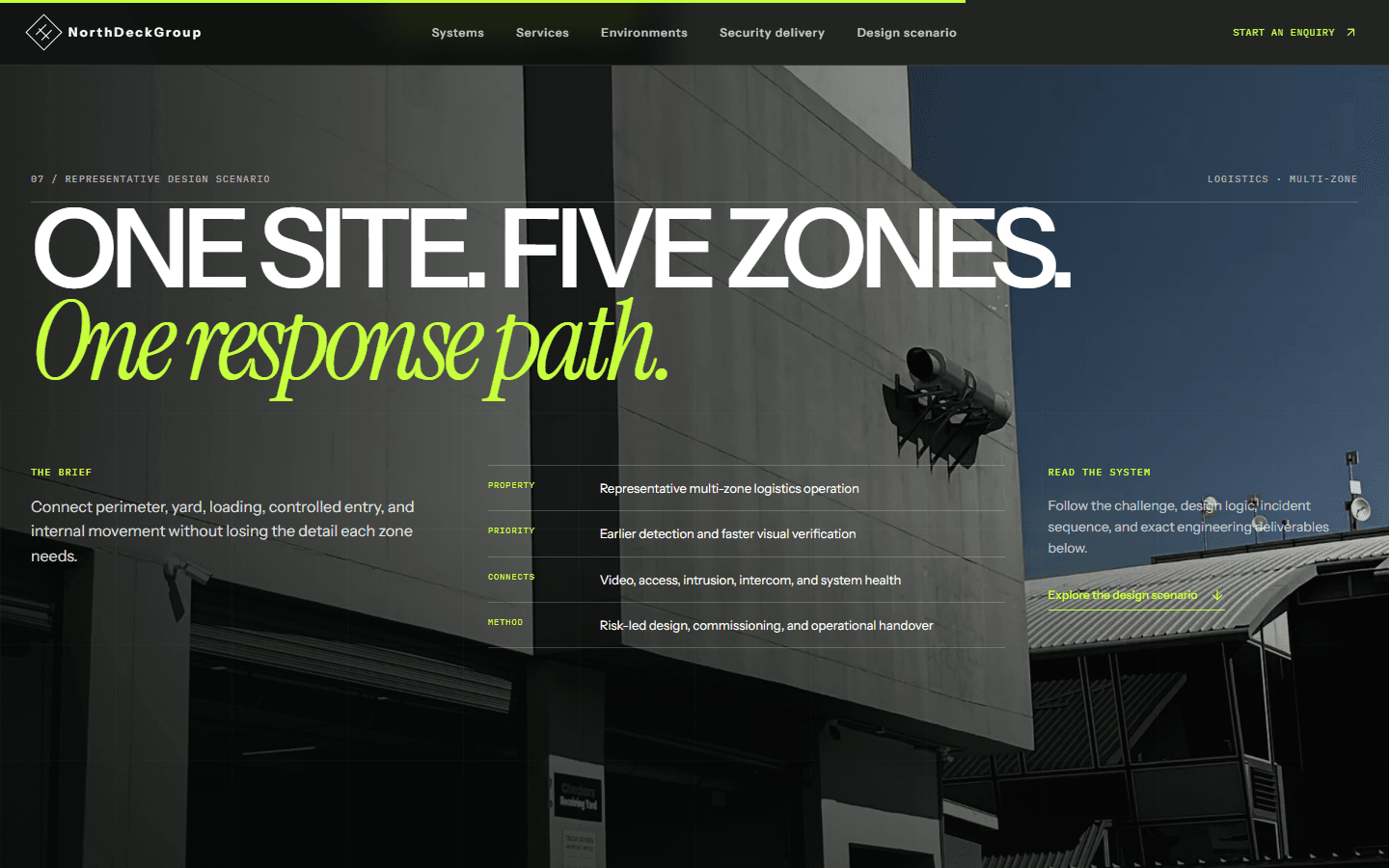
The design scenario is a representative study, and the live site labels it that way. It names no client and claims no results.
Enquiry brief
Three answers become a prepared email, and the visitor sends it themselves.
Delivery steps
Each step ends with something the client keeps, like a coverage plan with a purpose for every critical view.
Design scenario
A logistics site with five zones, marked on the page as a representative design with no client or performance claims.
Incident walkthrough
Five tabs follow one incident from the first signal to the person who acts on it.
A visitor can follow either business from the first screen, and both end at the same enquiry brief.
What's actually built.
- Two businesses, one connected site
- NorthDeckGroup runs connected security systems (CCTV, access control, intrusion detection, intercom & entry, system care) alongside a 12-service back-office and BPO practice across operations, finance & compliance, and customer & digital. The site carries both without either reading like an afterthought.
- Real photography, self-hosted type, no CMS
- Built on Next.js 16, with real editorial photography and locally served fonts (Instrument Sans, Instrument Serif, IBM Plex Mono) rather than a font CDN. Per the project's own README, there's no database, authentication, storage, CMS or third-party API key in the build; content lives in code.
- See how the security layers work together
- Interactive panels show video, access, intrusion, intercom and system care. A five-step walkthrough follows an incident from detection to response. The animations use the `motion` library and switch off for visitors who have reduced motion turned on.
- A design scenario, labelled as one
- The homepage's “Design scenario” section is an illustrative walkthrough of NorthDeckGroup's own design method for a logistics property, marked throughout as a representative study, not a real deployment. Its own copy states plainly that client identity, site data, project photography, measured results and testimonial evidence “will only be published when they are supplied and approved.”
Selling more than one thing on one site?
Tell us what the different parts of your business actually do, and we'll work out how to give each one its due without the site feeling split in two.